 Help Center
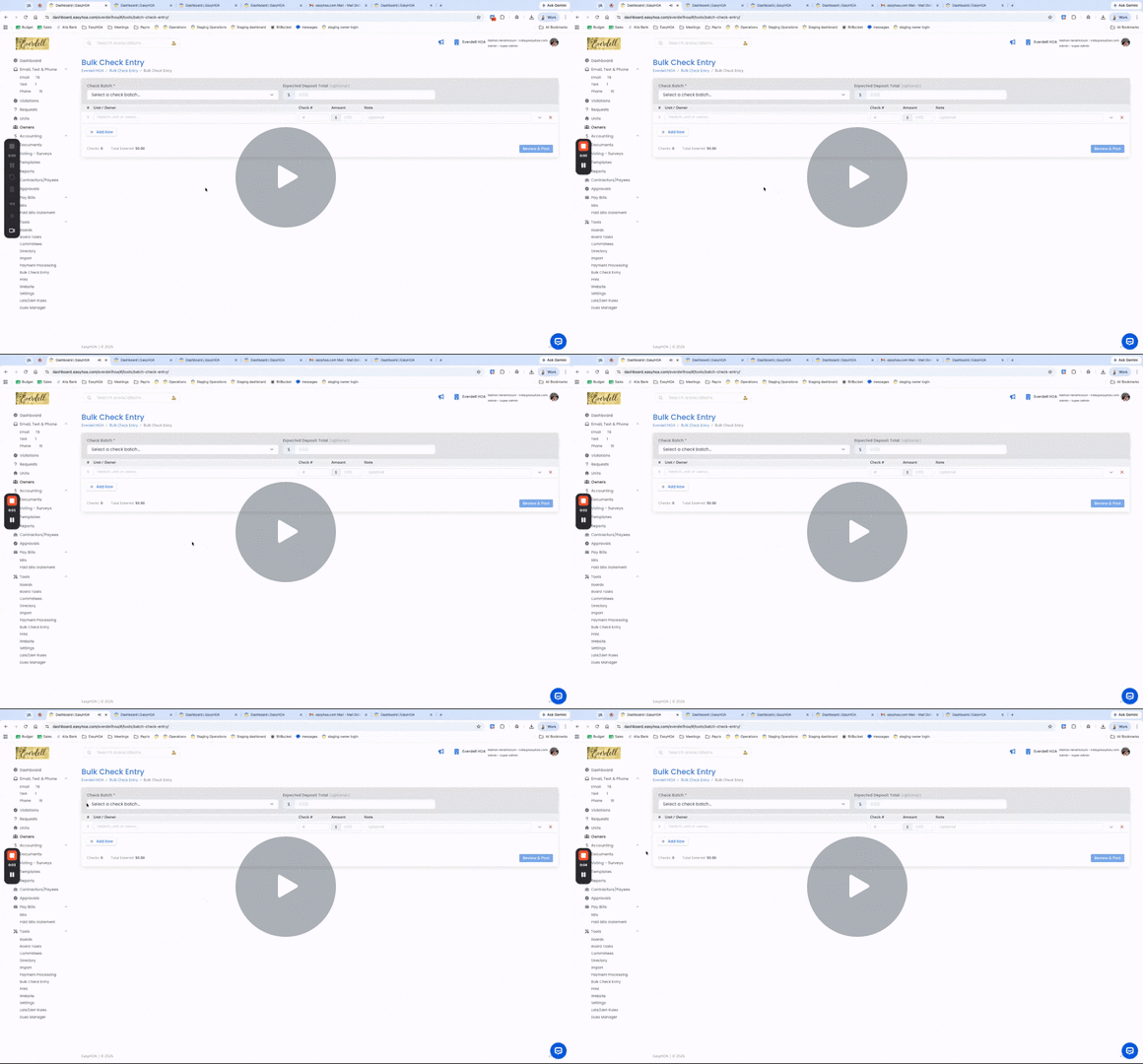
EZHOA Updates: Bulk Checks and Rule Labels - Watch Video
New Features
- Bulk Check Entry Feature: The HOA board can now enter multiple checks in one step.
- Additional Late Rules: These rules are not tied specifically to "late, Lien, prelien, or violations". These can be triggered from an automated fee for a specific fee type remaining late. Located under "Tools > Late/Lien Rules". Along with this you can create the "name" of the new fee so it doesn't automatically say "late fee".
Enhancements
- Pay Bills: For this feature if there is a duplicate bill that was created and you need to 'archive' an existing bill we have added a note area so you can record the reason why
- Email Bounces: When sending an email to a wrong email address to the easyhoa email, we are now generating an automatic bounce notification
- Late Lien Rules: We moved the affected fee types to be moved to each specific rule. (it used to be located under the "Tools > settings pages for fee types) with this change we updated "subject to late/lien rules" from this page and changed it to "Fee types / Autopay". along with this we updated the "logs" for each page to keep track of what rules are edited.
- When composing an email, we added instructions for the user, noting they must hit the 'Tab' button to add an email address as they type it.
- Editing/Updating Owner Name: We created some new logic to help the end user avoid accidentally editing a profile with new owner info instead of creating a new owner profile. We created an Alert when someone is "editing" an owner profile, but only when they're editing their name. This is because if payment information is tied to an old owner, and the board member only edits the name and address of the old owner to reflect the new owner, then the payment info & communication logs remain tied to the same profile.
Bug Fixes
- Fixed an issue where the "closed bank account" wasn't showing in the charge of accounts.
- On Accounting tools: the archived parent accounts were coming through on the budget vs actuals
- fixed some minor "save/delete" issues with the reconciliation tools when creating a new 'period'
- When I hit 'reply' on an email, it puts my cursor back in the "to" field instead of the message body. Fixed!
- iphone - chrome browser - click on "owner login" the page crashes (fixed!)
- Fixed an issue where only certain file types were viewable on the owner login side. HEIC, PDF, JPEG etc.
- Email addresses of Spam Emails that were reported/marked "Not spam" were still going to the spam folder. Fixed this so that if you mark an email address as "not spam" that future emails will route correctly into the inbox.
- Enhanced the ability to click on an image in the website builder and then hit delete on the keyboard.